
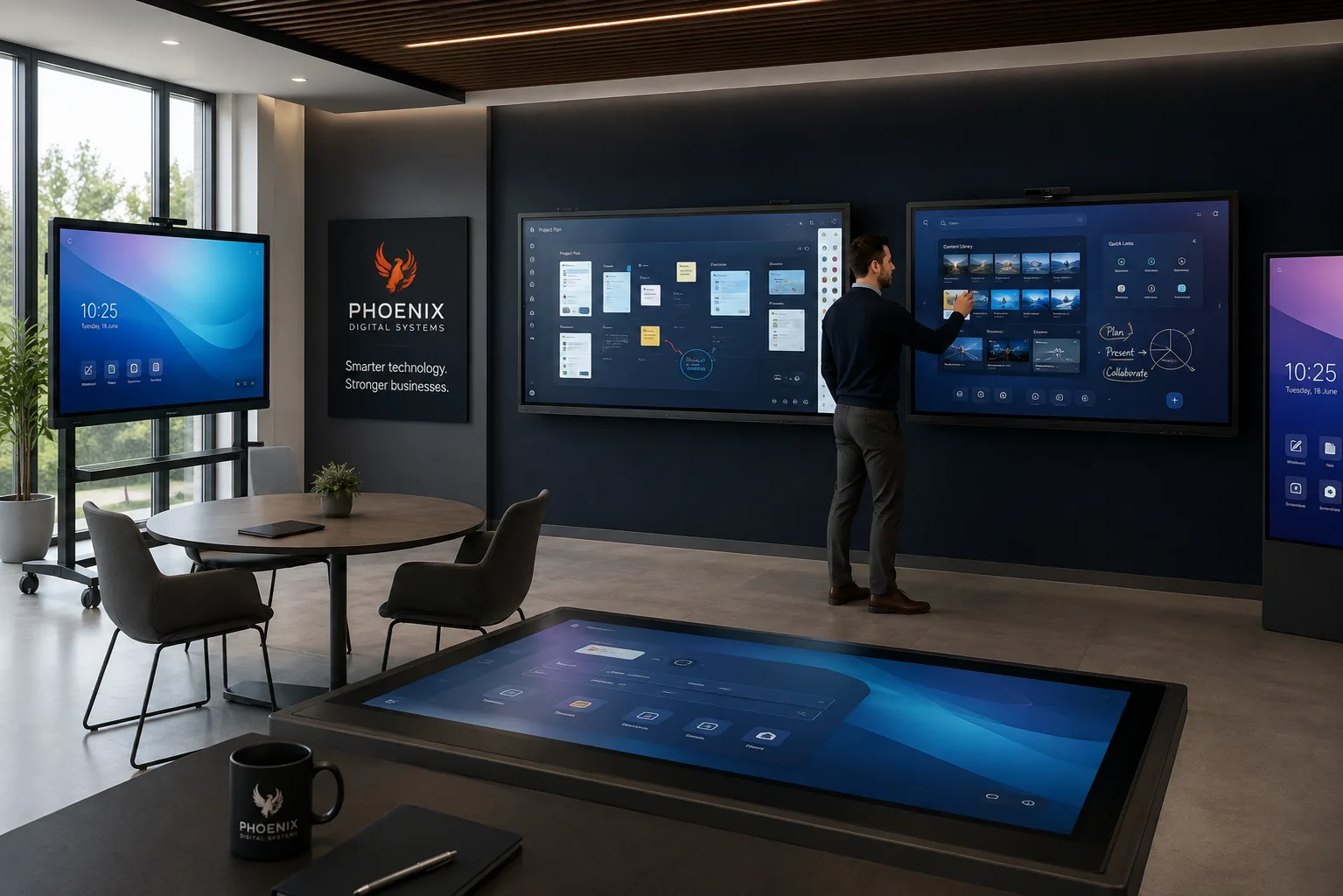
Phoenix supplies, installs and supports interactive displays for rooms where people present, explain, annotate and share content. The equipment is selected around the room, audience, connection methods and level of touch interaction required.
Interactive displays suit meeting and board rooms, training areas and education spaces. They combine a large presentation surface with direct touch and annotation, giving people a shared place to work through material together.
Meeting and board rooms
Presentations, reports and shared documents can be displayed clearly for the room, with touch interaction and on-screen annotation used to explore ideas and capture decisions.
Presentations and content sharing
Suitable displays accept content from the laptops and room devices in use. Wireless sharing is available on supported models and configurations when a cable-free presentation process is required.
Training spaces
Trainers can present material, mark up examples and work through exercises on screen. Screen size, touch accuracy and clear operation matter when different presenters use the room.
Education and classrooms
Touch interaction, annotation and shared visual material support teacher-led explanations and student participation. Equipment selection must reflect room size, mounting, daily use and the devices used to teach.
What Phoenix plans before installation
- Room dimensions, viewing distance and typical audience size.
- Screen size, mounting position and access to power and network connections.
- Laptops, fixed PCs and other sources that need to share content.
- Whether users need touch interaction, annotation or presentation-only operation.
- Who will use the display and what orientation they need at handover.
Supply and setup
Phoenix coordinates equipment supply, installation, initial setup and connections for the agreed display configuration.
Handover and support
User orientation covers the controls and connection process needed for normal use. Ongoing support is available for equipment supplied by Phoenix under the agreed arrangement.
Discuss an interactive display
Tell Phoenix about the room type and size, intended use, installation position, devices that need to connect and whether touch or annotation is required.